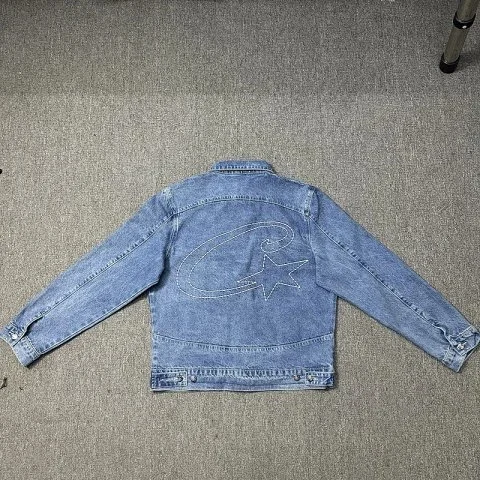
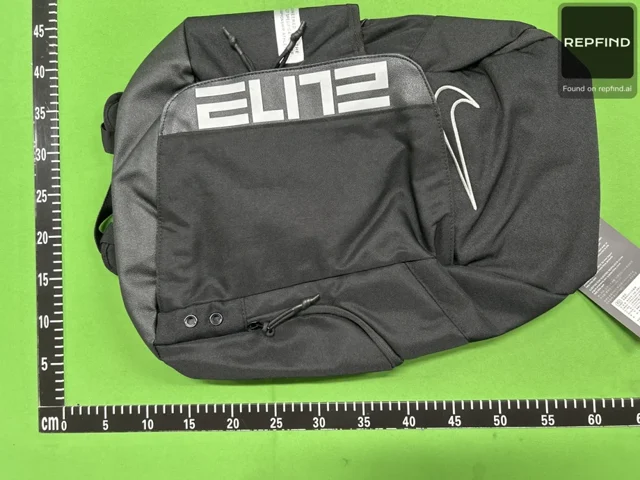
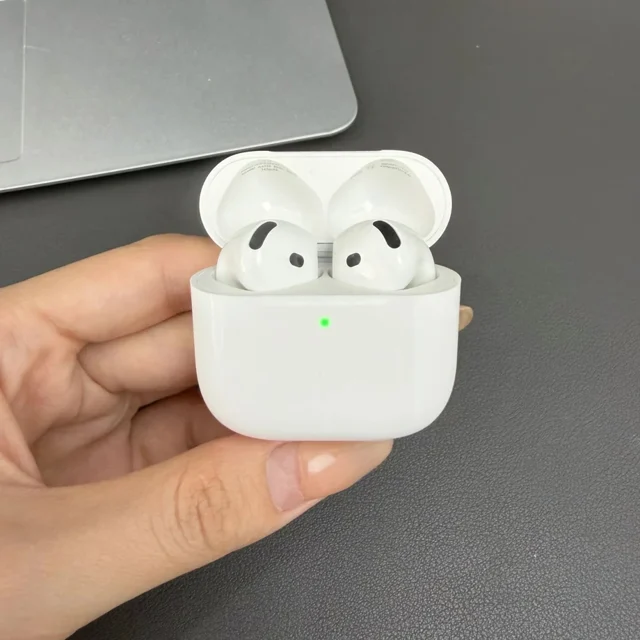
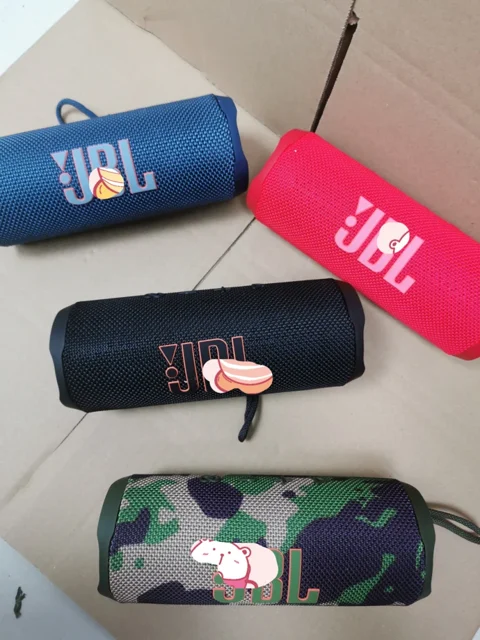
- What is the iTaoBuy Spreadsheet?
- It is an independent Findspreadsheet catalog for browsing Weidian product links before using iTaoBuy. Each listing has an item ID, a route to the seller listing, and a Buy on iTaoBuy button.
- Can I search using a photo?
- Yes. Choose a JPEG, PNG or WebP image up to 12 MB on the Image Search page. The browser compares it with the preview image index. Open likely matches and confirm the design and item ID before ordering.
- How do I buy a Weidian product through iTaoBuy?
- Open a Findspreadsheet product, select Buy on iTaoBuy, and verify the original listing, style, size and quantity on iTaoBuy. Sign in before proceeding with the official order.
- How are warehouse QC and seller photos different?
- Seller photos show how a seller presents the listing. Warehouse QC shows an actual unit checked by the service that captured the photo. Inspect the colorway, labels, stitching, sole, print and packaging when visible.
- Are iTaoBuy Spreadsheet prices in US dollars?
- USD is the default display currency. Use the currency button next to the language control to view the same reference prices in supported currencies.
- How do I use the official iTaoBuy shipping calculator?
- Open Freight Estimate on iTaoBuy, select the destination, and enter the packed weight and any required dimensions or product details. Compare available routes using the same inputs.
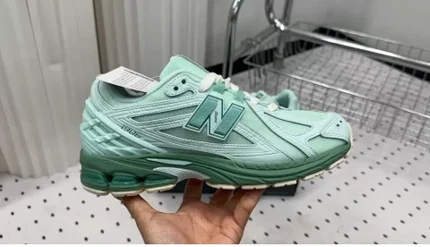 Shoes
 Hoodies
 T-Shirts
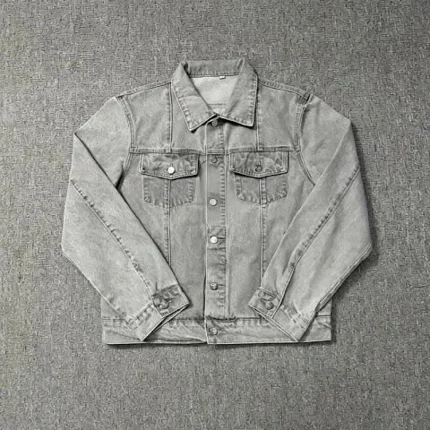 Jackets
 Accessories
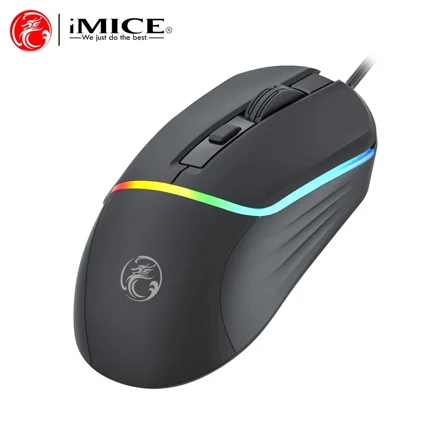 Electronics

 Spreadsheet